Gear · listings read for 2026
Deadbolts & Keypad Locks
The job controlling who has a key, and what happens when the battery dies
Affiliate links. A qualifying purchase earns this site a commission at no extra cost to you, and does not affect what is written here. See Affiliate Disclosure.
A lock belongs to the Delay layer, and most of the delay comes from the frame rather than the lock body. What a lock genuinely controls is access: who can open the door today, and whether that changes when a lodger moves out, a contractor finishes, or a relationship ends. A keypad answers that without a locksmith. Everything else on a lock listing is secondary to whether it fits your door and what happens when its batteries go flat.
Ordering starts with access control and a fallback that works when power does not, then connectivity, then convenience. Deadbolts, keypad deadbolts and handle sets are kept in separate groups because they are not interchangeable, whatever a comparison chart implies.
Smart deadbolts
4 listings
| Product | Unlock methods | Key backup, per the listing |
|---|---|---|
| Schlage Encode Smart WiFi Deadbolt | Code, app, key | Yes |
| Schlage Encode Plus Smart WiFi Deadbolt | Code, tap, app, key | Yes |
| Yale Assure Lock 2 Keypad Deadbolt with Wi-Fi | Code, app | Not stated |
| Philips Wi-Fi Smart Deadbolt | Code, fingerprint, app | Not stated |
Same for every row, so not shown as a column: Type, Connectivity
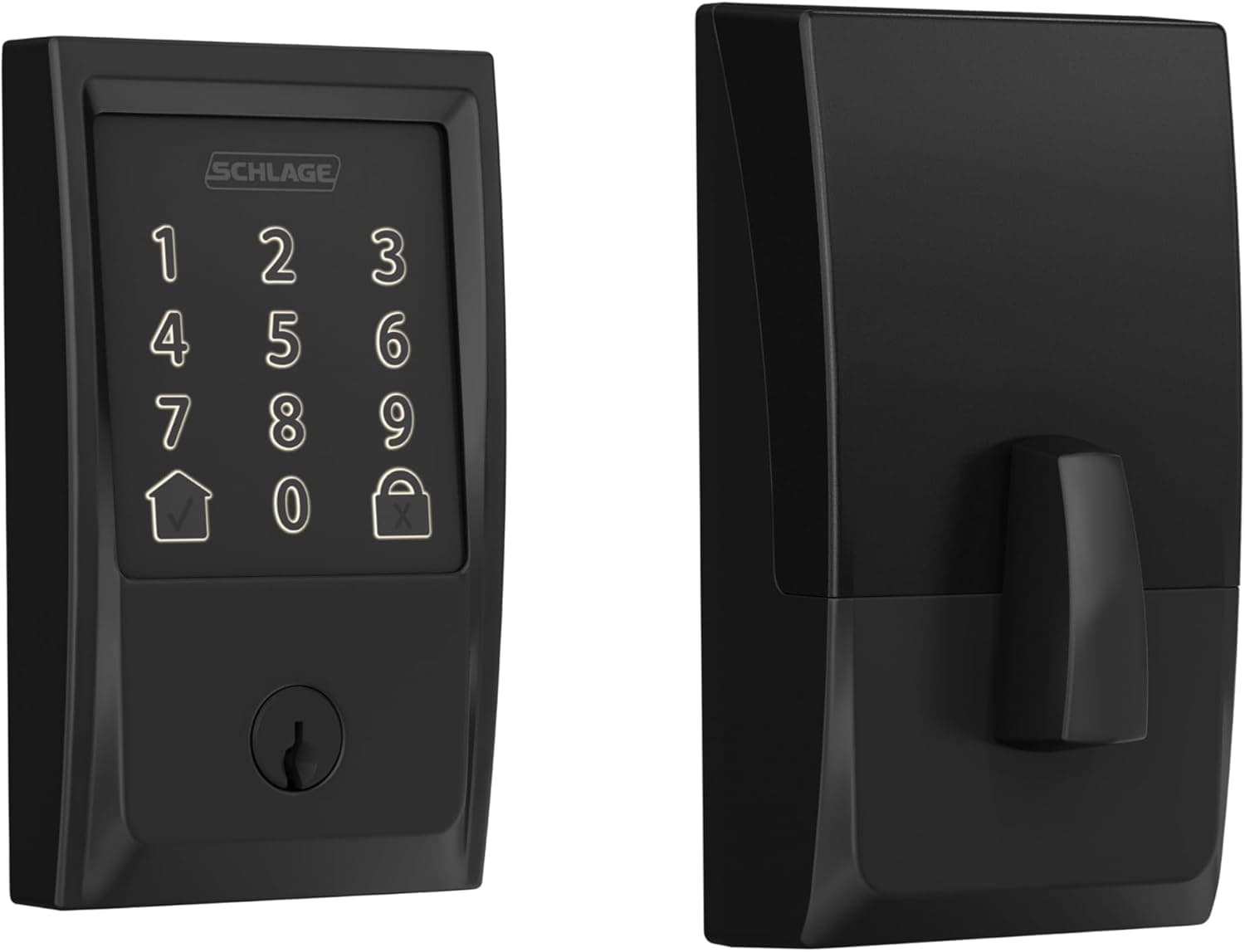
Codes and a key cylinder
Schlage Encode Smart WiFi Deadbolt
Wi-Fi touchscreen deadbolt with keyed cylinder
A Wi-Fi deadbolt with a touchscreen keypad and app control, listed as compatible with Alexa, Google Home, Ring and Airbnb, and described by the listing as certified for security. Codes can be issued and revoked without cutting metal, which is the real reason to change a lock after a contractor or a break-up. It still has a cylinder, so a dead battery is an inconvenience rather than a locked-out evening.
- Codes can be added and removed without rekeying
- Keeps a keyed cylinder as a fallback
- Listing states Alexa, Google Home, Ring and Airbnb compatibility
- Built-in Wi-Fi with no separate bridge listed
- Battery care becomes part of owning the door
- Keypads collect fingerprints that hint at the digits in use
- A connected lock is one more account to secure
Best for A front door where several people need their own way in and out.
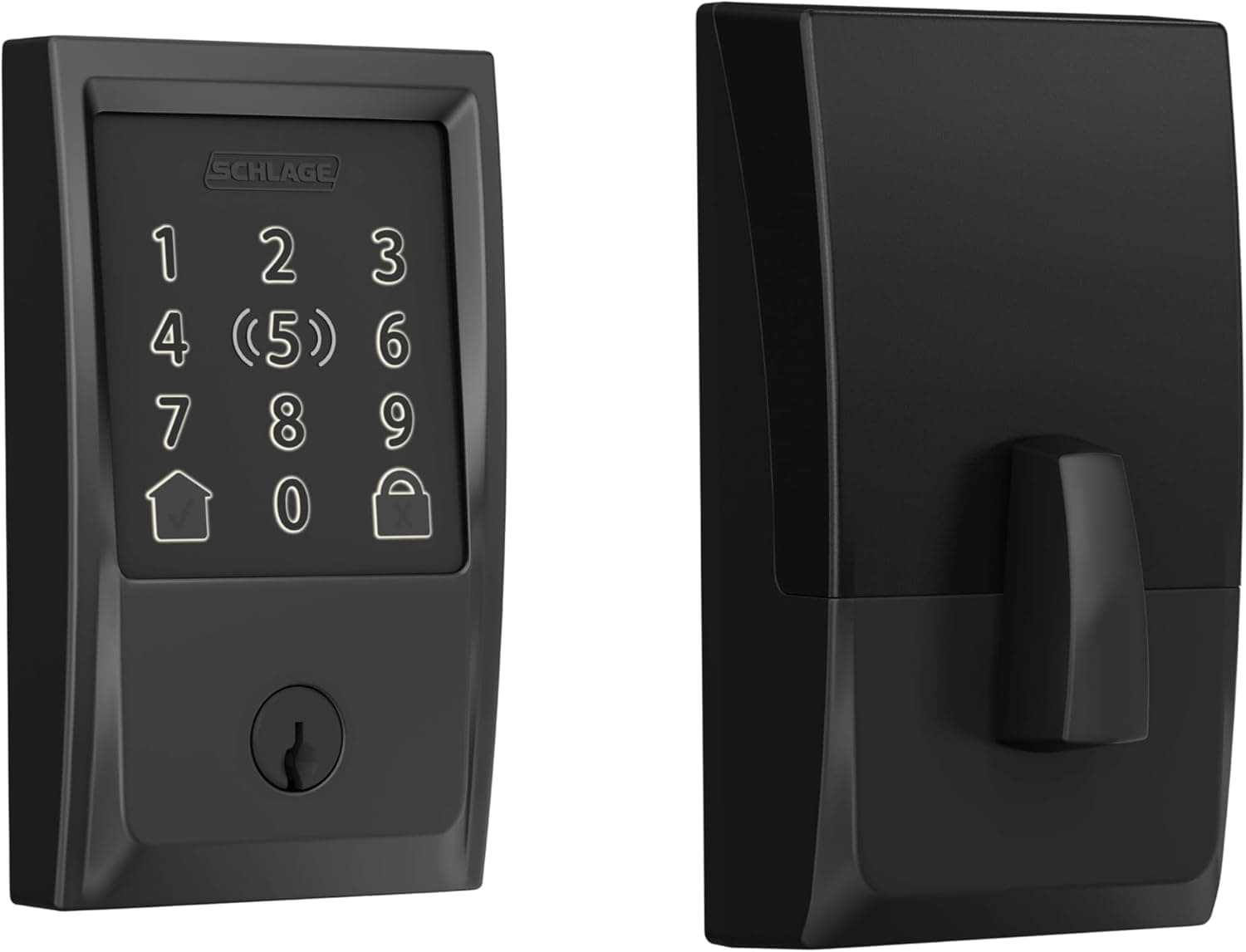
Apple Home support, per the listing
Schlage Encode Plus Smart WiFi Deadbolt
Wi-Fi touchscreen deadbolt with tap to unlock
A touchscreen Wi-Fi deadbolt with a tap-to-unlock option, listed with Apple Watch and Apple Home support alongside Alexa and Airbnb compatibility. It is the Encode with a wider set of phone and watch options. If the household runs on Apple hardware, that is the difference that matters.
- Listing states Apple Watch and Apple Home support
- Tap to unlock without typing a code in the rain
- Codes still work for people without the app
- Built-in Wi-Fi with no separate bridge listed
- More unlock paths means more settings to get wrong
- Battery care becomes part of owning the door
- Tap-to-unlock convenience depends on carrying the right device
Best for An Apple household that wants the door to open from a watch.
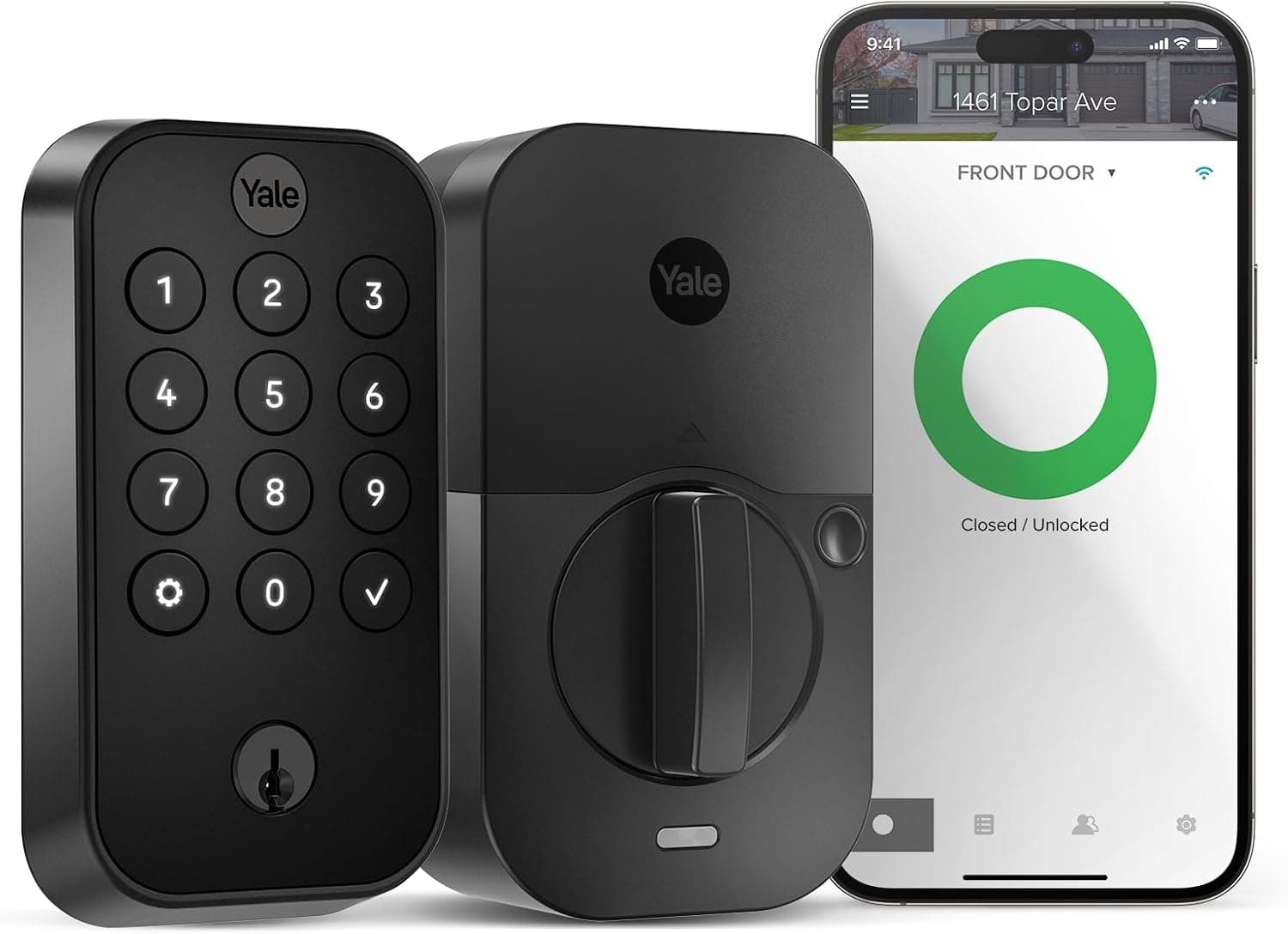
Yale Assure Lock 2 Keypad Deadbolt with Wi-Fi
Keypad deadbolt with built-in Wi-Fi
A keypad deadbolt with Wi-Fi built in, listed without a separate bridge. It covers the same ground as the other connected deadbolts here with a flatter face and a shorter listed feature set. Confirm the backset and door thickness against the manufacturer specification before ordering, as with any deadbolt swap.
- Wi-Fi is built in rather than added by a bridge
- Keypad face sits close to flush on the door
- Codes can be managed remotely
- Straightforward replacement for a standard deadbolt
- Battery care becomes part of owning the door
- Listing is thin on what is in the box
- Connected lock means another account to secure
Best for A front door that wants app control without a hub in a cupboard.
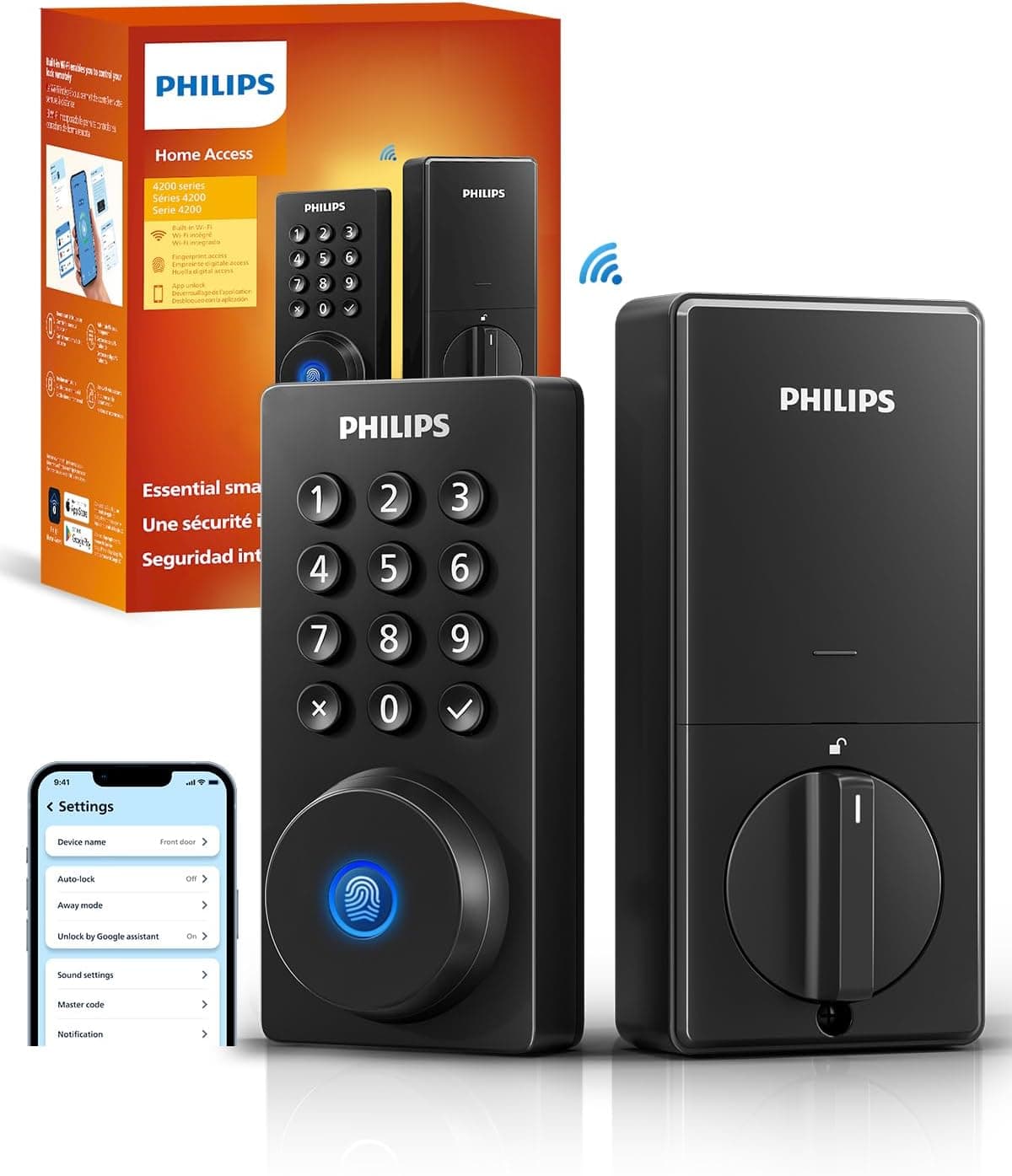
Philips Wi-Fi Smart Deadbolt
Wi-Fi deadbolt with fingerprint, code and app unlock
A Wi-Fi deadbolt listed with code, fingerprint and app unlock, remote access, auto-lock and a backlit touchscreen. Fingerprint entry is the useful part for anyone who arrives at the door with full hands. Auto-lock is the quiet part: the door stops depending on somebody remembering.
- Fingerprint unlock listed alongside codes and the app
- Auto-lock closes the gap left by a distracted household
- Backlit touchscreen is readable after dark
- Remote access without a listed bridge
- Fingerprint readers struggle with wet or cold hands
- Auto-lock can shut you out while you carry bags to the car
- Battery care becomes part of owning the door
Best for A door people walk through with shopping, a dog lead and a phone.
Keypad and mechanical deadbolts
3 listings
| Product | Type | Unlock methods | Key backup, per the listing |
|---|---|---|---|
| Schlage BE365 Keypad Deadbolt | Keypad deadbolt | Code, key | Yes |
| Kwikset 660 Single-Cylinder Deadbolt | Mechanical deadbolt | Key, thumbturn | Keyed throughout |
| TEEHO TE001 Keypad Deadbolt | Keypad deadbolt | Code, key | Yes |
Same for every row, so not shown as a column: Connectivity
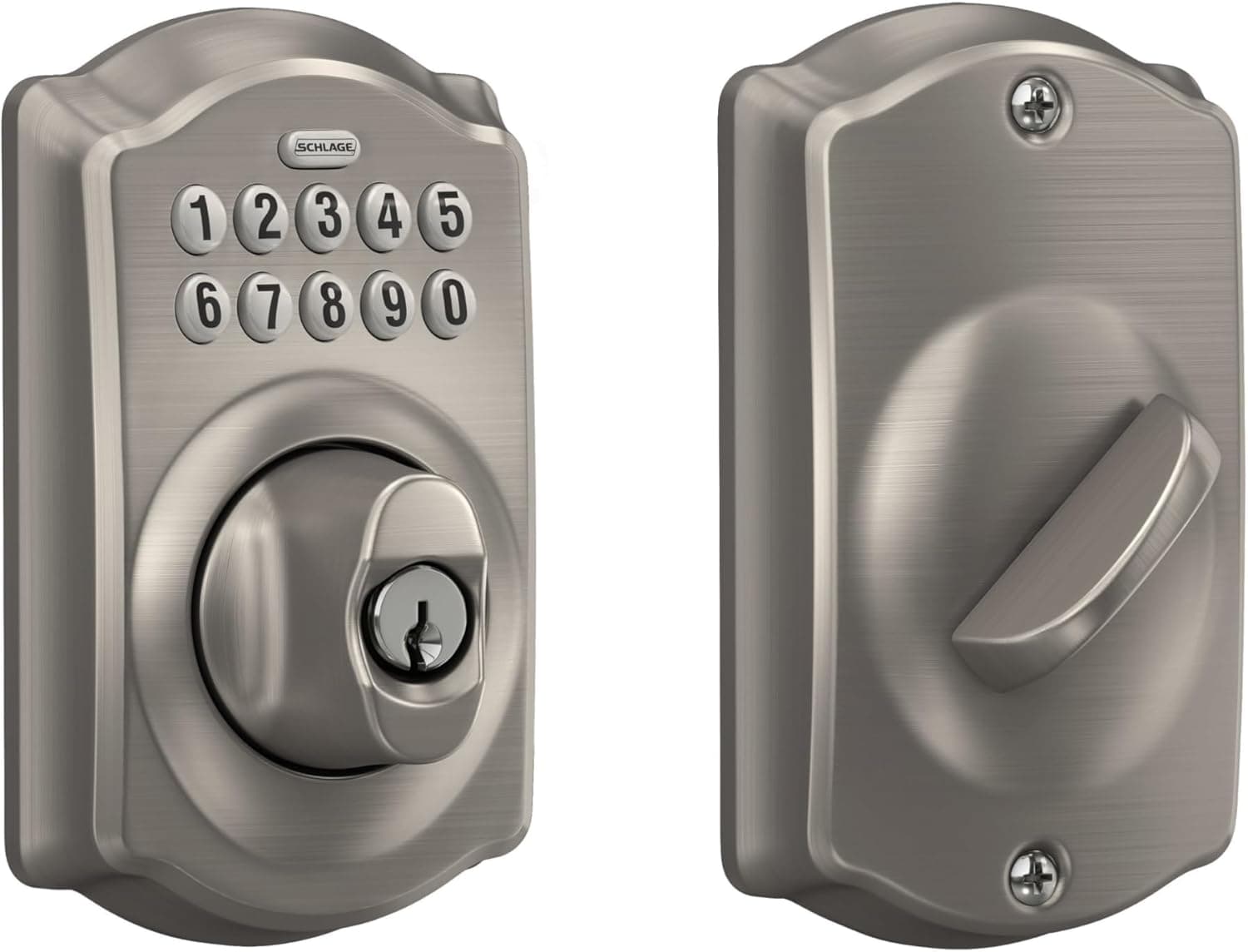
No app, no account
Schlage BE365 Keypad Deadbolt
Push-button keypad deadbolt, key backup included
A push-button keypad deadbolt with no radio in it at all, listed with a key backup included and described by the listing as certified for security. Codes are set at the door, which means no app, no account and no firmware. For a household that wants to stop hiding a key under a pot but has no interest in a connected lock, this is the shortest path.
- Nothing to pair, sign into or update
- Listing states a key backup is included
- Push-buttons stay readable in bright sun and hard frost
- No home network dependency at the front door
- Codes must be changed by hand at the door
- No log of who came and went
- Worn buttons can give away which digits are used
Best for A household that wants keyless entry without adding a connected device.
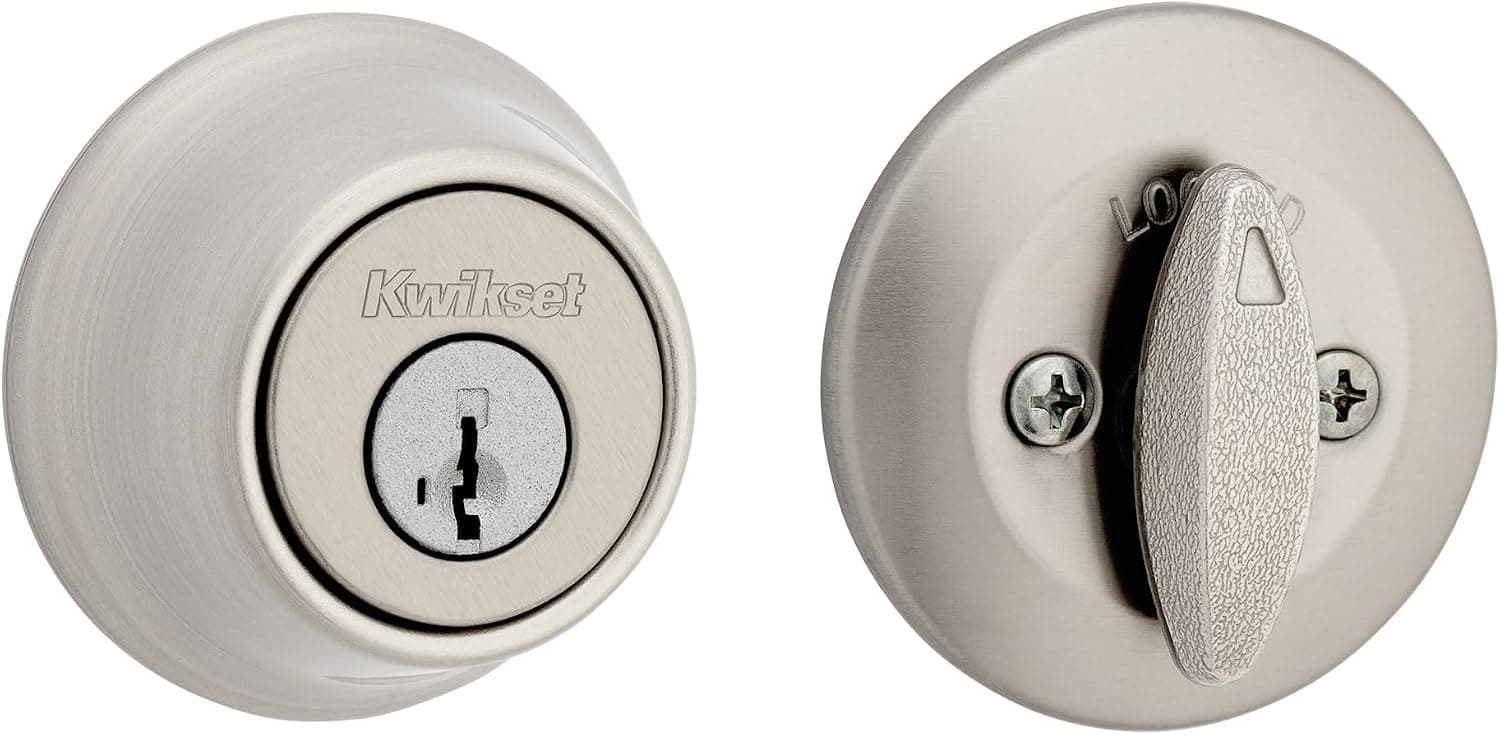
Kwikset 660 Single-Cylinder Deadbolt
Keyed single-cylinder deadbolt
A plain keyed single-cylinder deadbolt, listed with Microban protection on the finish. Single cylinder means a thumbturn inside, which is the arrangement that keeps a door usable as an exit in a hurry. There is no keypad, no radio and no battery to think about.
- Thumbturn inside opens without hunting for a key
- No battery, no network, no app
- Listing states Microban protection on the finish
- The simplest thing to fit into an existing bore
- A lost key means rekeying or replacing
- No way to give a neighbor temporary access
- No record of when the door was locked
Best for A second door that needs a proper deadbolt and nothing clever.
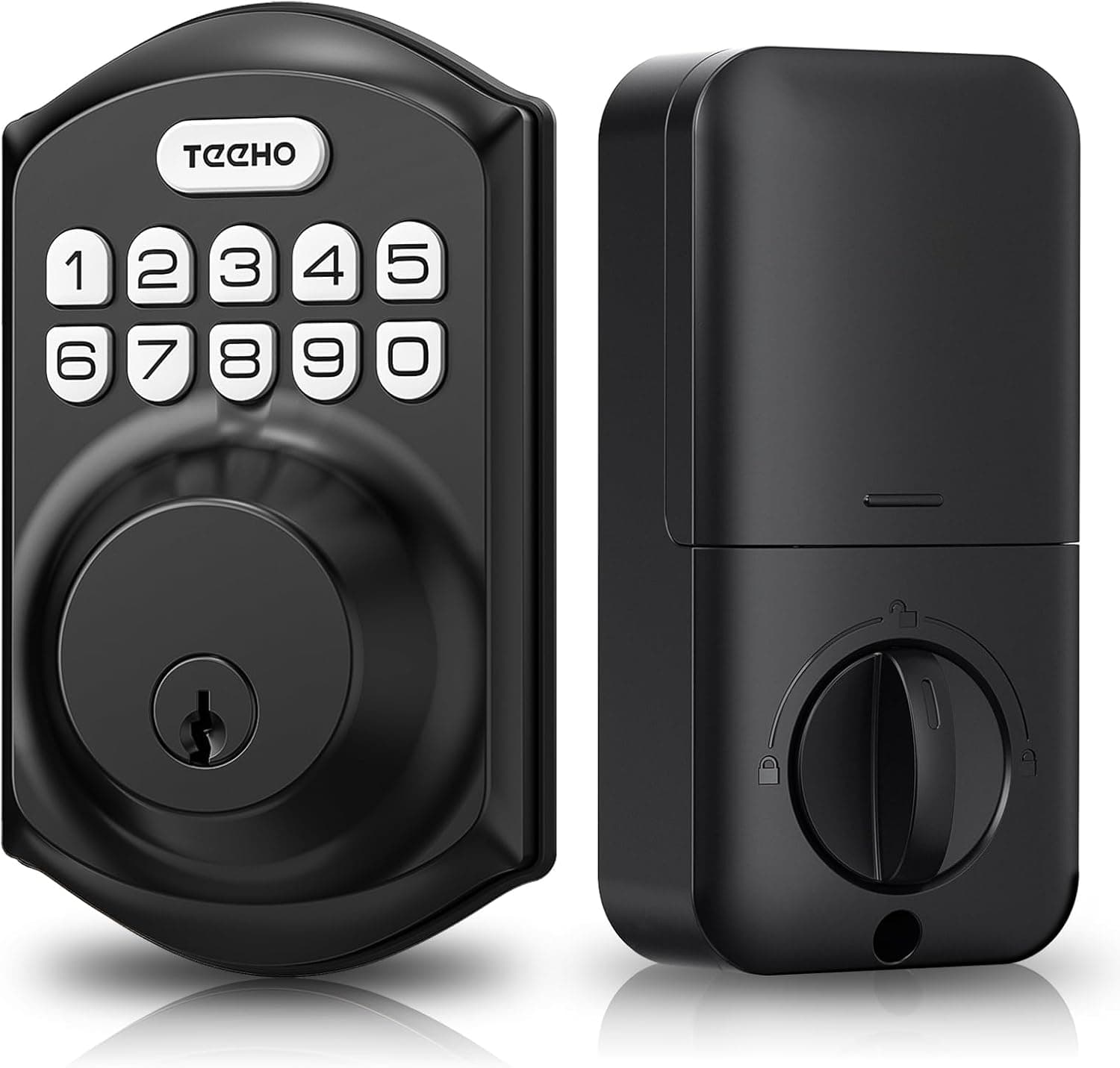
TEEHO TE001 Keypad Deadbolt
Keypad deadbolt with keyed cylinder, no app
A keypad deadbolt with a weatherproof touch keypad and a keyed cylinder, listed for front-door use with no app or account. Codes are set at the door, so there is no network and no firmware to keep current. It keeps a key as a fallback, which is what turns a flat battery into an inconvenience rather than a lockout.
- Codes set at the door with nothing to sign into
- Keeps a keyed cylinder as a fallback
- Weatherproof keypad, per the listing
- No home network dependency at the door
- Codes must be changed by hand at the door
- No log of who came and went
- Battery care becomes part of owning the door
Best for A front door that wants keyless entry without an app, an account or a hub.
Knob and handle sets
4 listings
| Product | Type | Unlock methods | Connectivity | Key backup, per the listing |
|---|---|---|---|---|
| Philips WiFi Keypad Lock with Handle | Handle set | Code, fingerprint, voice, app | Wi-Fi | Not stated |
| Yamiry Keypad Smart Door Knob Lock | Knob set | Code, key | None stated | Two keys included |
| Yamiry Keypad Handle Lock with Fingerprint | Handle set | Code, fingerprint, key | None stated | Keys included |
| Yamiry Keypad Knob Lock with Fingerprint | Knob set | Code, fingerprint, key | None stated | Keys included |
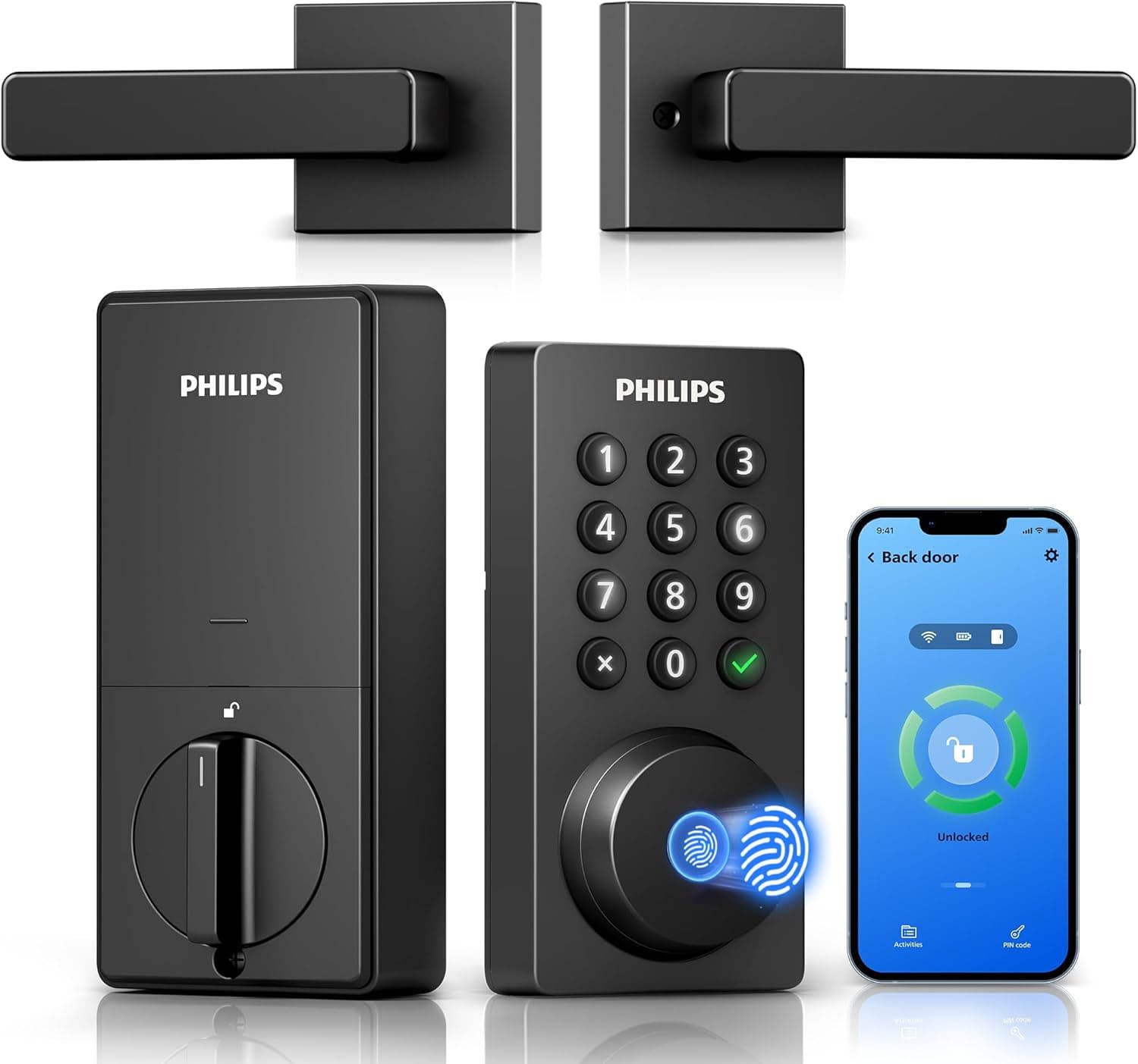
Philips WiFi Keypad Lock with Handle
Wi-Fi handle set with keypad and fingerprint unlock
A handle set with Wi-Fi built in, listed with app control, voice unlock, fingerprint unlock and auto-lock. This is a latch handle, not a deadbolt, and the two are not interchangeable. Use it where the latch is the lock you actually operate, and keep a separate deadbolt for the layer that buys time.
- Handle and keypad in one unit, so one hole set does both
- Fingerprint and voice unlock listed alongside codes
- Auto-lock listed, so the latch does not stay open
- App control without a listed separate bridge
- A latch handle is not a substitute for a deadbolt
- Handedness and backset must be checked before ordering
- Battery care becomes part of owning the door
Best for A door where the handle is the lock in daily use and a deadbolt sits above it.
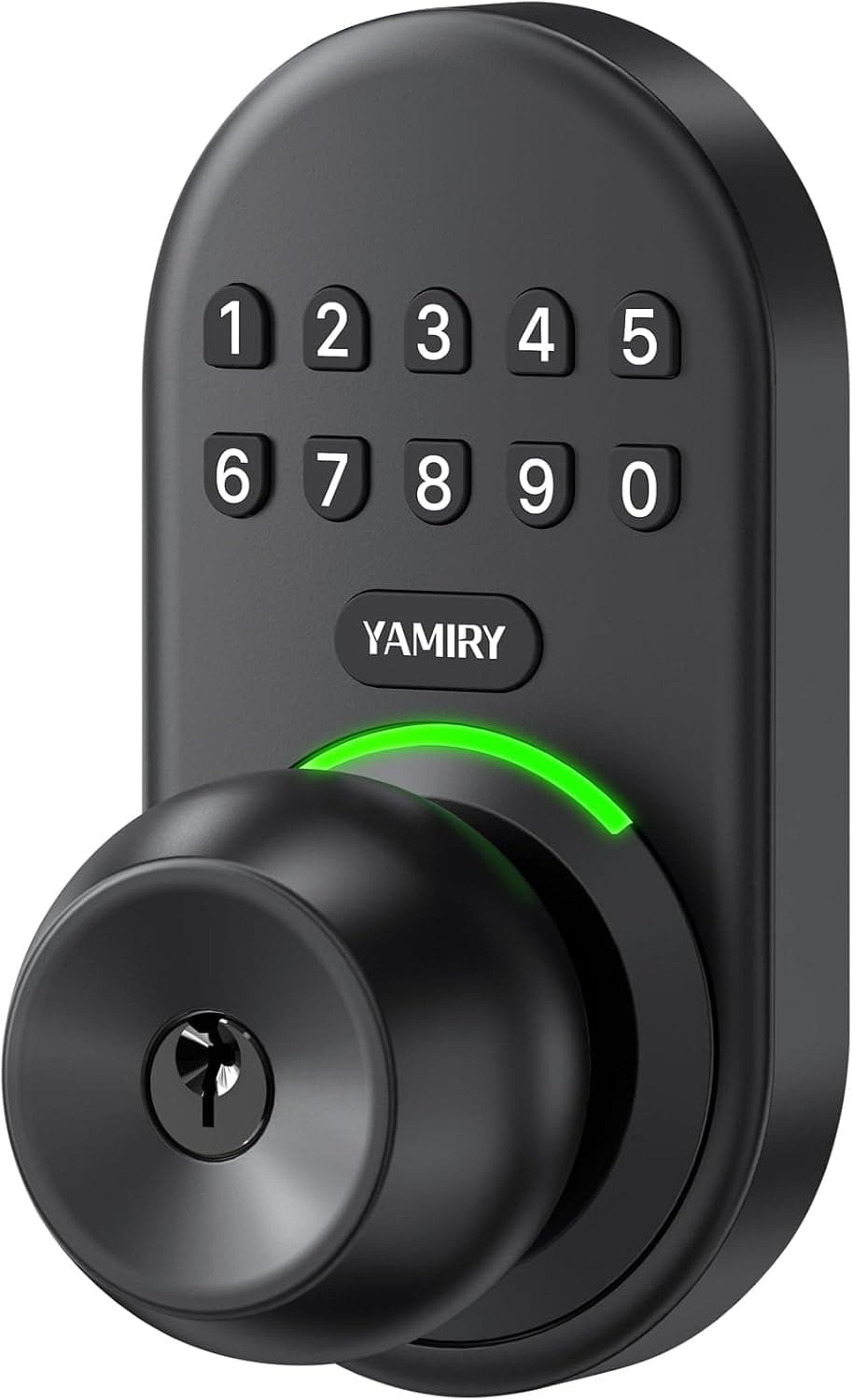
Yamiry Keypad Smart Door Knob Lock
Keypad knob set, listing states 20 user codes
A knob set with a backlit keypad, listed with 20 user codes, two backup keys and auto-lock. A knob is the weakest of the three lock shapes on this page and belongs on an interior or secondary door rather than a main entrance. Where it earns its place is a home office or a store room that needs a code instead of a key on a hook.
- Listing states 20 user codes, enough for a shared house
- Listing states two backup keys are included
- Auto-lock means the door does not sit unlatched
- Backlit keypad works in an unlit corridor
- A knob is the easiest lock shape to defeat and belongs on secondary doors
- Not a deadbolt and not a replacement for one
- Battery care becomes part of owning the door
Best for An interior door, home office or store room that needs a code rather than a key.
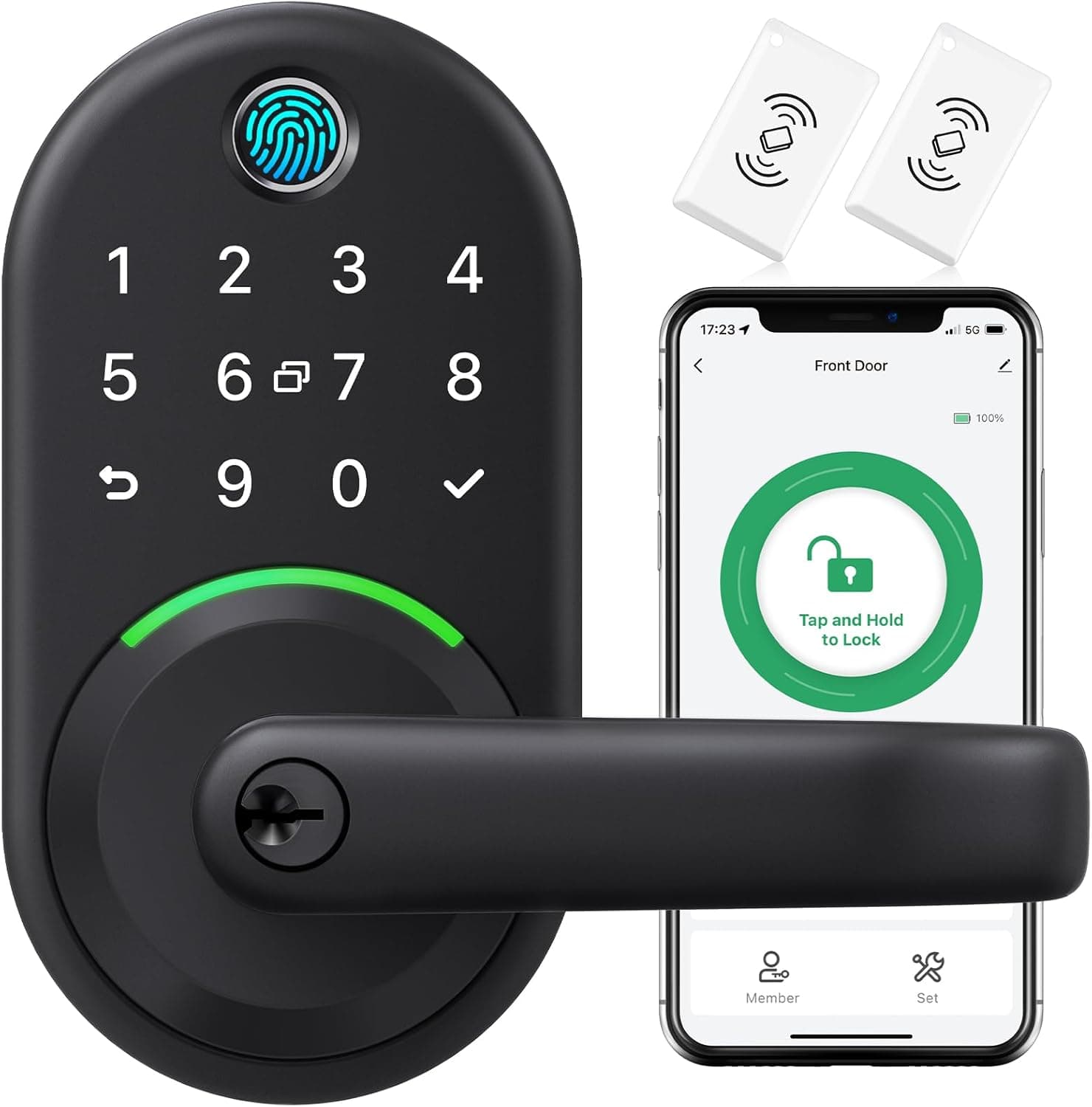
Yamiry Keypad Handle Lock with Fingerprint
Keypad handle set with fingerprint unlock, keys included
A lever handle set with a backlit keypad and fingerprint reader, listed with backup keys and keyless entry for a front door. A lever is easier than a knob for full hands, but a handle latch is not a deadbolt and does not replace one. Use it where the latch is the lock you operate daily and a deadbolt sits above it.
- Fingerprint and code unlock listed alongside a key
- Lever handle is easier than a knob with full hands
- Backlit keypad works in an unlit doorway
- Listing states backup keys are included
- A handle latch is not a substitute for a deadbolt
- Handedness and backset must be checked before ordering
- Fingerprint readers struggle with wet or cold hands
Best for A door where a lever handle is the daily lock and a deadbolt handles the delay.
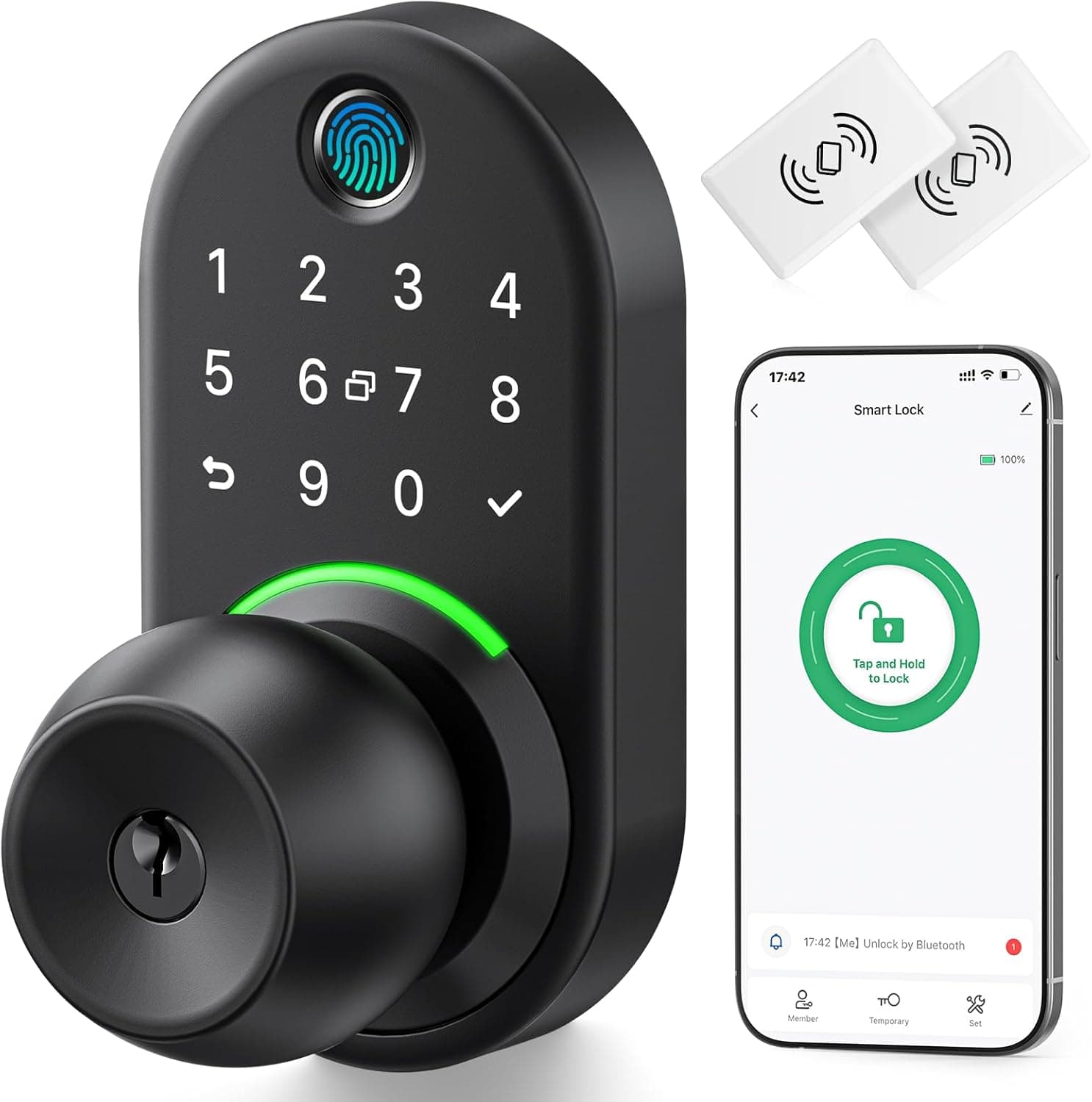
Yamiry Keypad Knob Lock with Fingerprint
Keypad knob set with fingerprint unlock, keys included
A knob set with a backlit keypad and fingerprint reader, listed with keyless entry, backup keys and codes you can generate for guests. A knob is the weakest of the lock shapes here and belongs on an interior or secondary door, not a main entrance. Where it earns a place is a room that needs a code or a fingerprint instead of a key on a hook.
- Fingerprint and code unlock listed alongside a key
- Guest codes can be generated, per the listing
- Backlit keypad works in a dark corridor
- Listing states backup keys are included
- A knob is the easiest lock shape to defeat and belongs on secondary doors
- Not a deadbolt and not a replacement for one
- Battery care becomes part of owning the door
Best for An interior office or store room that needs a fingerprint or code rather than a key.
Why those badges
Each badge stands on something stated in the listing or countable in the data, not on a general impression.
- Codes and a key cylinder — Schlage Encode Smart WiFi Deadbolt. The listing pairs a touchscreen keypad with app control and keeps a keyed cylinder, which is the direct answer to who holds a key and what happens when the battery dies.
- No app, no account — Schlage BE365 Keypad Deadbolt. This is the only keypad deadbolt here with no listed connectivity of any kind, so there is nothing to sign into and nothing to update.
- Apple Home support, per the listing — Schlage Encode Plus Smart WiFi Deadbolt. Apple Watch and Apple Home support is listed for this lock alone in this group.
Questions people actually ask
Is a smart lock less secure than a key?
It is a different set of trade-offs rather than a straight downgrade. A keypad removes the spare key under the pot and the key that a former housemate never returned. It adds batteries, an account and firmware. Which set you prefer depends on how your household actually loses control of keys.
What happens when the batteries die?
That depends entirely on the model, which is why it is a column in the table above rather than a footnote. Some listings state a keyed cylinder is included; others say nothing about it. If the listing does not state a mechanical fallback, assume there is not one and plan accordingly.
What is an ANSI/BHMA grade and why is it not in the table?
It is a published performance classification issued after testing to a written standard. A grade belongs to a specific tested product and cannot be inferred from a lock looking sturdy or from a seller using the word certified. Where a listing states a product is certified without publishing a grade, that is what we report and nothing more. The measurements reference page explains the terms.
Will this lock fit my door?
Nobody can answer that from a listing photograph. You need door thickness, backset, bore diameter and swing direction, and then you need to check those against the manufacturer specification for the exact model. The lock fit checker walks through the measurements and tells you which shapes are even possible.